
Digital Dentistry
Zirconia is Compatible with All Intraoral Scanners
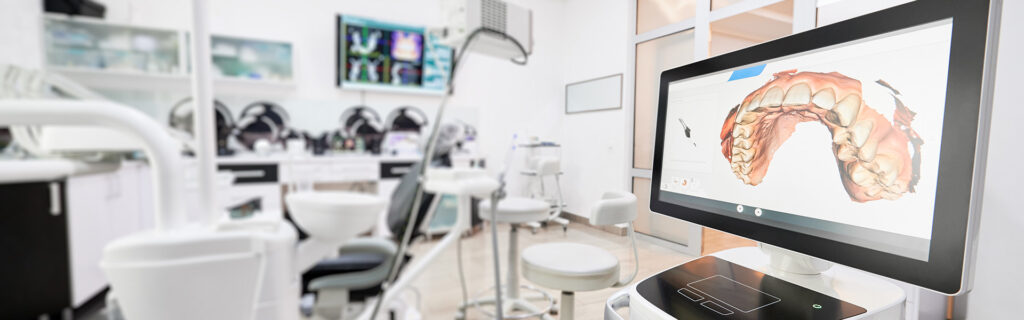
Sending Digital Impressions
Zirconia Lab specializes in helping clinicians using intraoral scanners. We are well versed in all major scanners on the market and our drive towards continuing education ensures we’re always at the forefront of digital dental technology. As a full service digitally oriented lab we specialize in fixed restorations, implants, and digital dentures.
To start sending digital cases to our lab scroll down and find your scanner for instructions on how to add us. If you don’t see your scanner please give us a call at 856-649-6680 and we can walk you through adding us to your existing scanner or feel free to upload your cases directly to our web portal, also below.
However you send your cases you can always be sure that sending a case digitally to Zirconia Lab will result in high quality, timely restorations that make you and your patient smile.
Years of Dental Lab Experience
Fewer Remakes than Industry Average
Working Day Standard Turnaround Time
Compatible with All Major Scanners
Technology for Digital and Traditional Impressions
Regardless of whether a clinician sends cases digitally or through traditional impressions, all restorations here at Zirconia Lab are made using the same cutting-edge technology that gives an added advantage over other labs out there by providing more benefits than ever before—such as greater precision when needed most—while still maintaining affordability throughout patient care.
Accepted Scanner Manufacturers
We accept .STL files from all intraoral scanner manufacturers




To use your iTero® scanner to upload directly to us from your scanner, follow the instructions below to setup Zirconia Lab in your iTero scanner:
Method 1:
- Login to your iTero/Align Tech Doctor’s portal
- Navigate to “Add Preferred Lab” and input our lab’s Company ID (124637) to connect your practice with Zirconia Lab.
Method 2:
- Call 800-577-8767
- Select Option 1
- Request for them to add Elite Dental Lab to your scanner.
- Provide our account number to verify the correct lab: 124637
- Once Elite Dental Lab has been added, restart the scanner
- Select Elite Dental Lab on your scanner to upload scans.
- Visit us.3shapecommunicate.com in your web browser
- Connect with Zirconia Lab as Lab by searching info@zirconialab.com
- After connecting to us as a Lab, select Zirconia Lab when sending files
- Login to your Dexis IS Connect Doctor’s Portal
- In the toolbar on the top-right of your screen, click on the “Partners” icon
- In the “Partners” window, click “Add a Partner”
- In the email field, enter the email address for Zirconia Lab: info@ZirconiaLab.com
- Click send and an invitation will be sent to us which we will accept after which we will be added to your partner’s list.
Click the following link which will prompt you to log into your DS Core account and add Zirconia Lab as a partner:
https://r1.dscore.com/#/invite?lr=uYk3XaRtrSP69__20pEvV0A%3D%3D
- Log into your Medit account here https://www.meditlink.com/login
- Click the Partners tab on the left
- Search Zirconia Lab
- Select our lab in Williamstown NJ from the list and hit the Request Partnership button